Best Free AI Tools in India (2026): A Complete Guide for Professionals and Students


Subscription fatigue is real. If you are an Indian professional, student, or small business owner trying to build a modern tech stack, the costs escalate quickly. Paying ₹1,500 to ₹2,000 a month for half a dozen different artificial intelligence subscriptions simply doesn’t make financial sense for most independent creators or bootstrapped startups.
The good news? You probably don’t need to pay for them.
The landscape of free AI access has matured significantly. Companies are offering robust “freemium” tiers that provide genuine utility rather than just frustrating, heavily gated trials. Whether you need to draft complex business proposals, generate high-quality marketing graphics, or debug Python code, there is a zero-rupee solution available.
Here is an editorial breakdown of the most capable free AI tools currently available in India, categorised by workflow and tested for actual usability.
The Design Powerhouses
Visual content creation used to require years of training and expensive software licenses. Generative AI has flattened that learning curve, allowing non-designers to produce commercial-grade assets.
Canva AI: The Uncontested King for SMEs
For Indian small and medium enterprises (SMEs), teachers, and social media managers, Canva remains undefeated. The free tier is remarkably generous, offering 5GB of cloud storage, over 5,000 presentation templates, and basic AI design capabilities.
Canva has also heavily localized its platform. It supports Hindi, Tamil, Telugu, and other regional languages with over 3,000 font pairs. If you need to quickly generate a WhatsApp story for a Diwali sale or a YouTube thumbnail, the drag-and-drop interface requires zero technical friction.
Adobe Firefly: The Free Adobe Illustrator Alternative
While Canva excels at template-driven design, it struggles with highly original, complex vector graphics. This is where Adobe Firefly steps in.
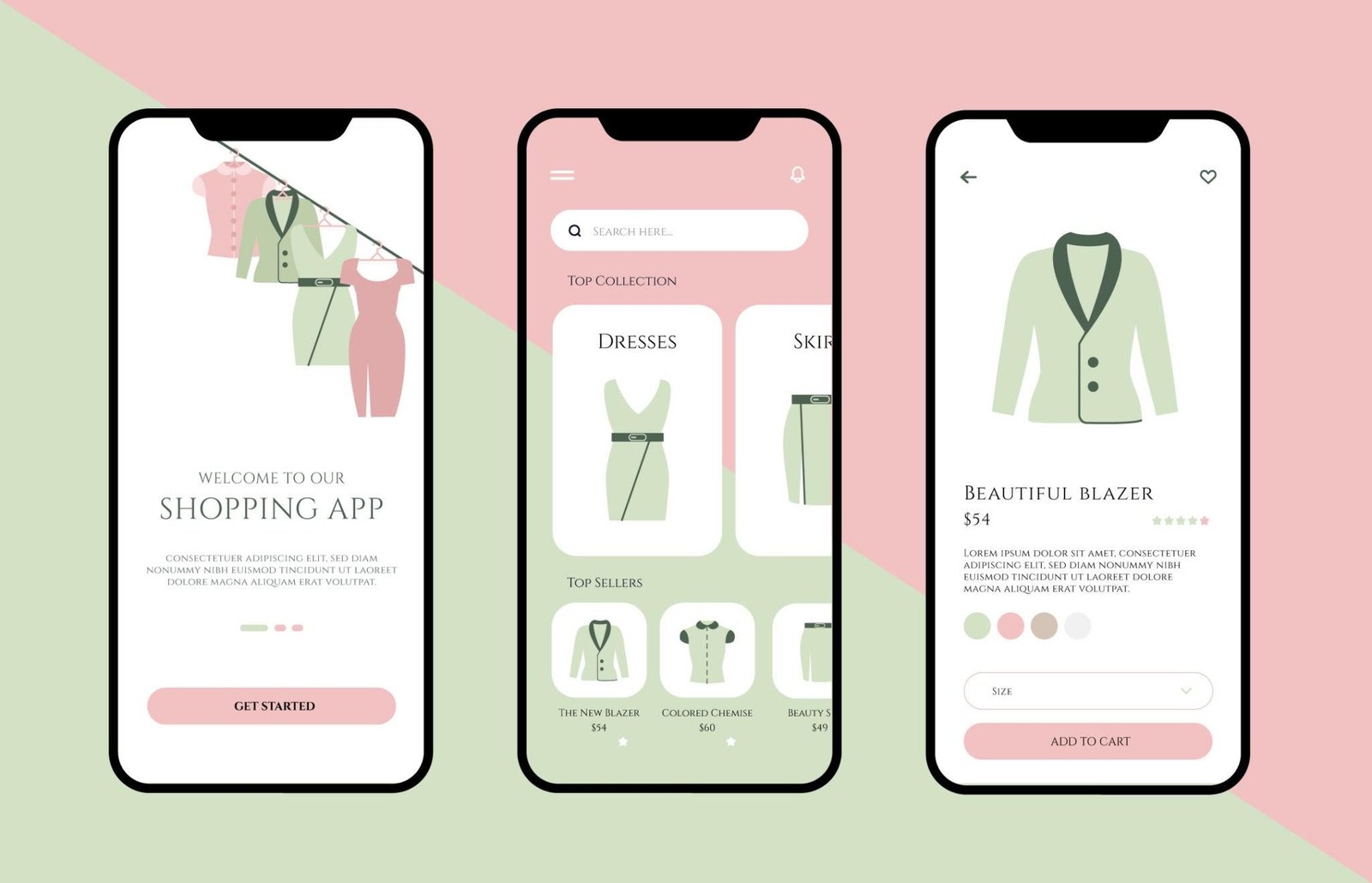
If you are a professional looking for a capable Adobe Illustrator alternative that leverages AI without the heavy Creative Cloud subscription, Firefly’s web interface is the smartest choice. Adobe provides 25 generative credits per month entirely for free.
You can generate photorealistic images, create text effects, and most importantly, generate editable vector art from simple text prompts. Because Firefly is trained on commercially safe Adobe Stock data, Indian agencies can use these assets in client work without worrying about copyright infringement.
The Research and Writing Engines
The days of relying solely on standard search engines for academic or professional research are ending. The new standard requires AI that can synthesize information, provide citations, and format the output.
Perplexity AI: The Researcher’s Best Friend
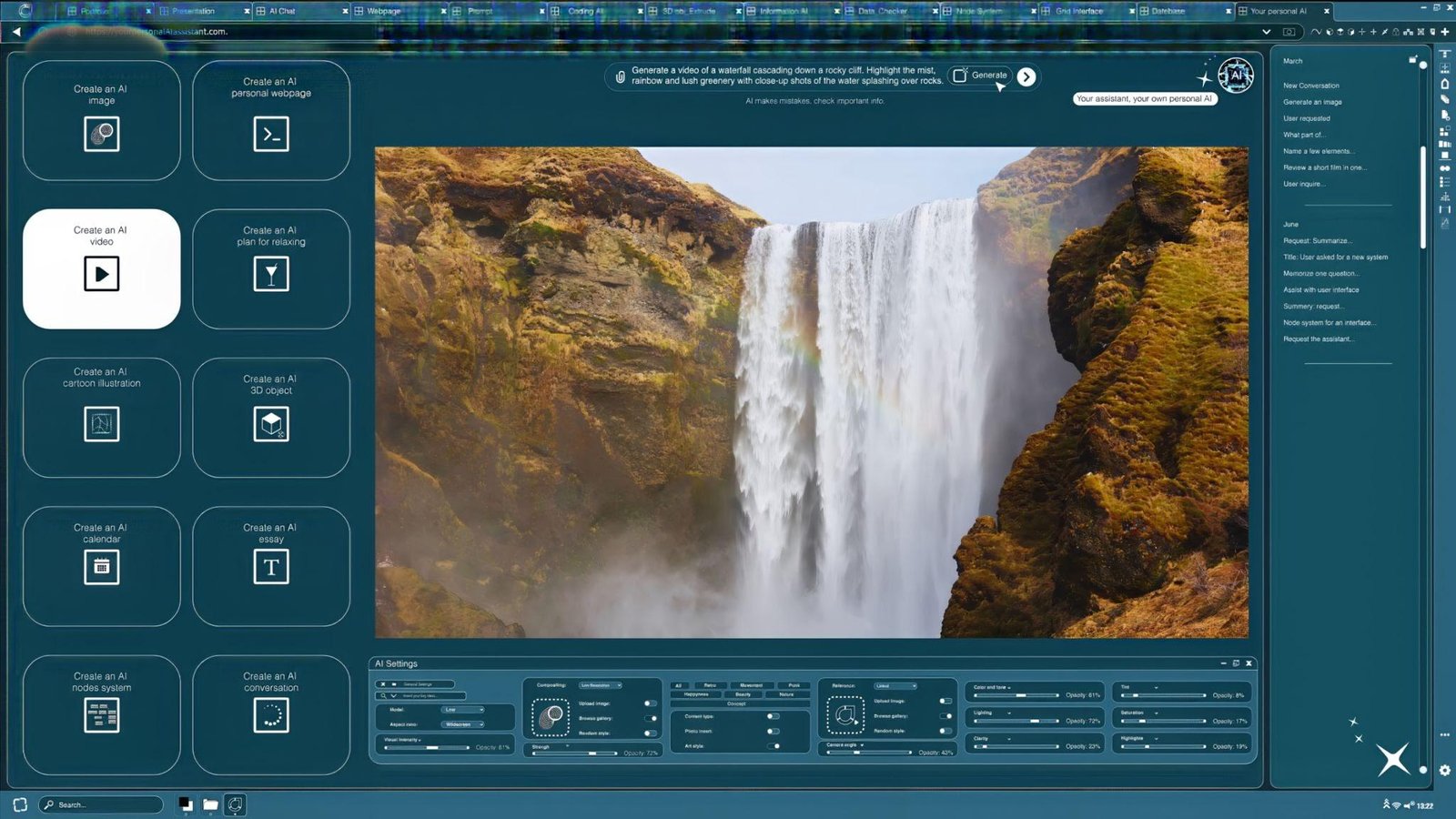
For Indian students and academics, Perplexity AI is arguably the most valuable free tool on the market. Unlike traditional chatbots that occasionally hallucinate facts, Perplexity operates as an answer engine.
Every claim it makes is backed by a real-time web citation. Its free tier offers unlimited standard searches and approximately 5 “Pro” searches per day, which utilize advanced models for deep, multi-step reasoning. Whether you are fact-checking current affairs for UPSC preparation or pulling sources for a master’s thesis, Perplexity keeps your research grounded in reality.
ChatGPT (Free Tier): The Daily Workhorse
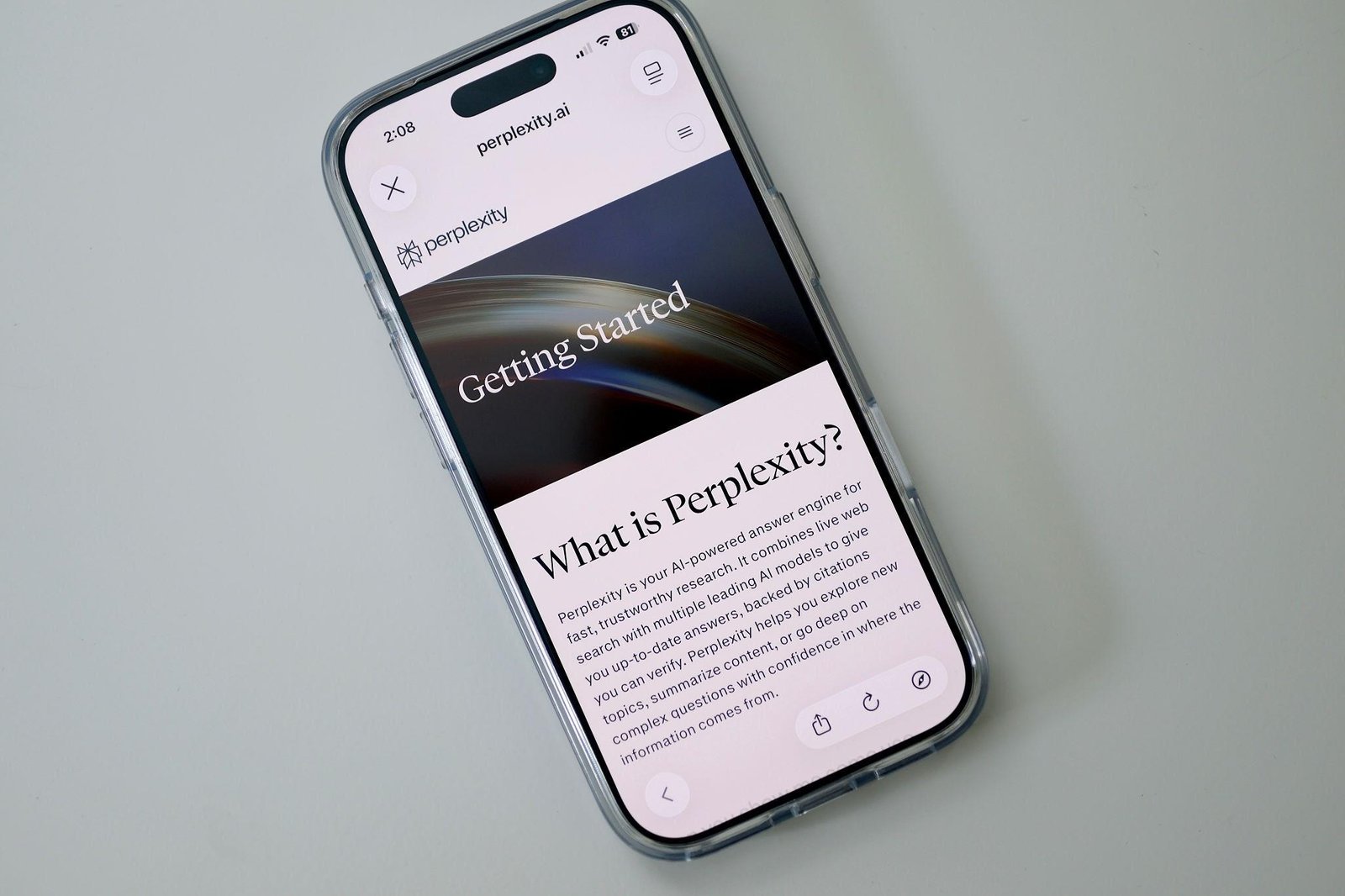
OpenAI’s free tier currently provides access to the GPT-4o mini model, offering around 40 messages every 3 hours.
This fast, capable model handles almost every routine text task you can throw at it. It is excellent for drafting emails, explaining complex concepts (like asking it to “explain quantum computing like I am a 10th grader”), and even solving step-by-step JEE and NEET physics problems. The free tier now also includes basic data analysis and file uploads, allowing you to feed it a PDF report and ask for a localized summary.
Native Ecosystem Integration
Sometimes, the best tool isn’t the smartest standalone app, but the one that lives where you already work.
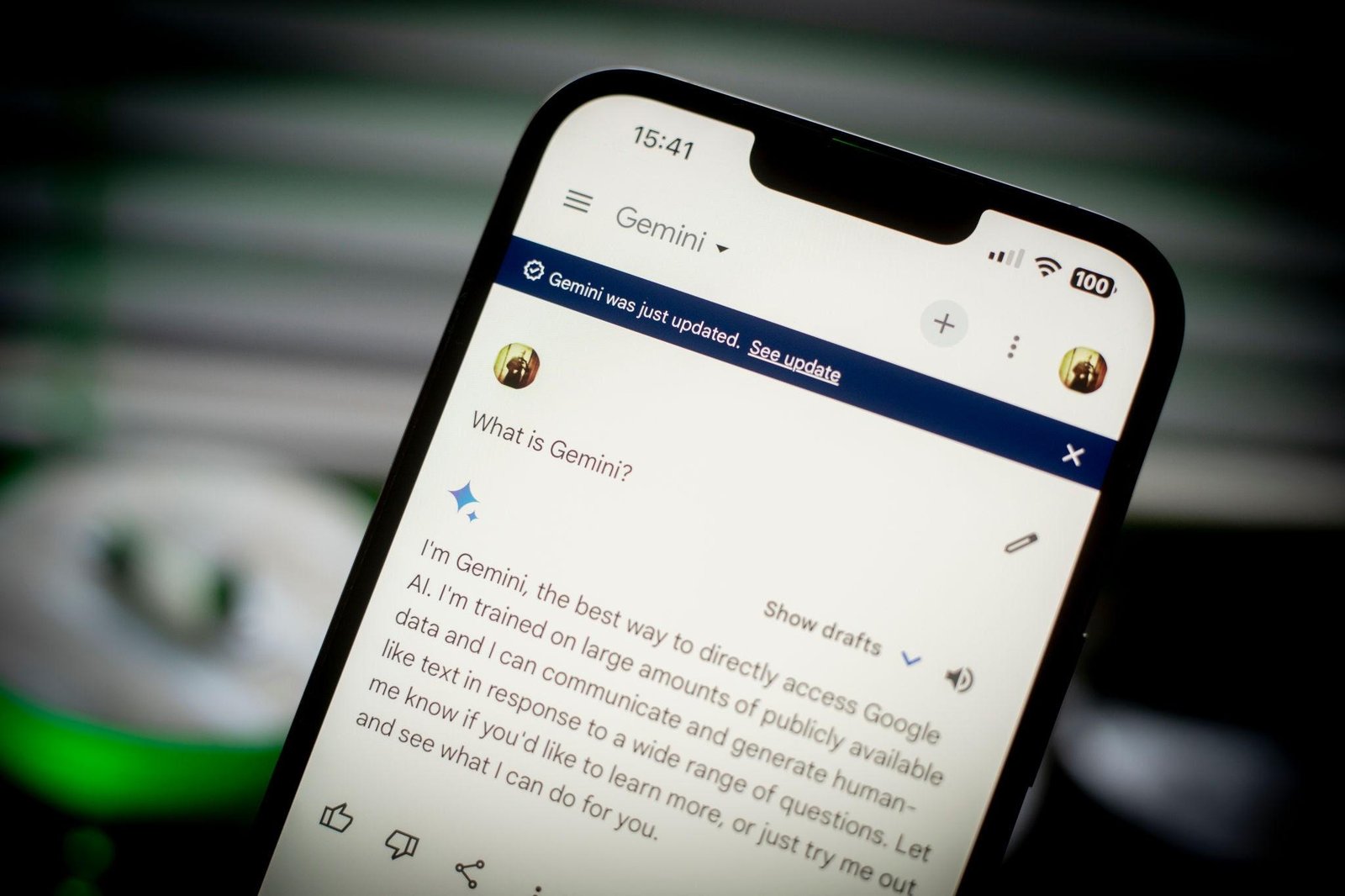
Google Gemini: The Indic Language Champion
If you are deeply embedded in the Google Workspace ecosystem (Docs, Gmail, Drive), Google Gemini is the logical choice. The free tier provides unlimited conversations using the Gemini 1.5 Flash model.
For Indian users, Gemini holds a distinct advantage: it possesses the best contextual understanding of Indian history, culture, and regional languages. It can seamlessly translate between English and Hindi, draft essays in regional languages, and summarize long Hindi-medium textbook chapters. Because it integrates directly into your browser and Google Docs, it removes the friction of copying and pasting text between tabs.
Building Your Free Stack by Profession
You don’t need every tool on this list. The secret to productivity is selecting a targeted “stack” that covers your specific daily bottlenecks.
For the University Student (B.Tech / Medical / Arts)
-
Research: Perplexity AI (for accurate citations and literature reviews).
-
Math & Logic: Microsoft Copilot / Bing AI (powered by GPT-4, excellent for step-by-step problem solving).
-
Writing Polish: Grammarly Free (catches basic clarity and spelling issues seamlessly in Google Docs).
For the Independent Creator / Freelancer
-
Content Generation: ChatGPT (for outlining scripts, SEO meta descriptions, and brainstorming).
-
Visual Assets: Canva Free (for quick thumbnails and social posts).
-
Original Vectors: Adobe Firefly (for custom illustrations and logo ideation).
For the Developer
-
Code Generation: GitHub Copilot (completely free for verified students).
-
Technical Debugging: DeepSeek Web Interface (excellent technical reasoning and algorithm explanation at zero cost).
The Future Outlook and Data Privacy
While these tools are functionally free in monetary terms, the age-old internet adage remains true: if you aren’t paying for the product, you are the product.
Most free AI tiers use your input prompts to train future iterations of their models. If you are handling sensitive client data, proprietary code, or confidential financial records, you must exercise caution. Do not paste unredacted internal company documents into a free web interface. Always check the tool’s data privacy settings; platforms like ChatGPT and Gemini allow you to toggle off chat history, which typically opts you out of model training.
Looking ahead, we can expect the capabilities of free tiers to fluctuate. As computation costs rise, companies may adjust their daily limits. However, the baseline of what is available for free today rivals the enterprise software of just two years ago.
The Final Verdict
The barrier to entry for high-level digital work in India has never been lower. You do not need a premium subscription to write better code, design professional graphics, or conduct academic research.
By strategically combining tools—using ChatGPT for drafting, Perplexity for fact-checking, Canva for layout, and Adobe Firefly for original assets—you can build a professional-grade workflow that costs absolutely nothing. The tools are available; the only variable left is how you apply them.